
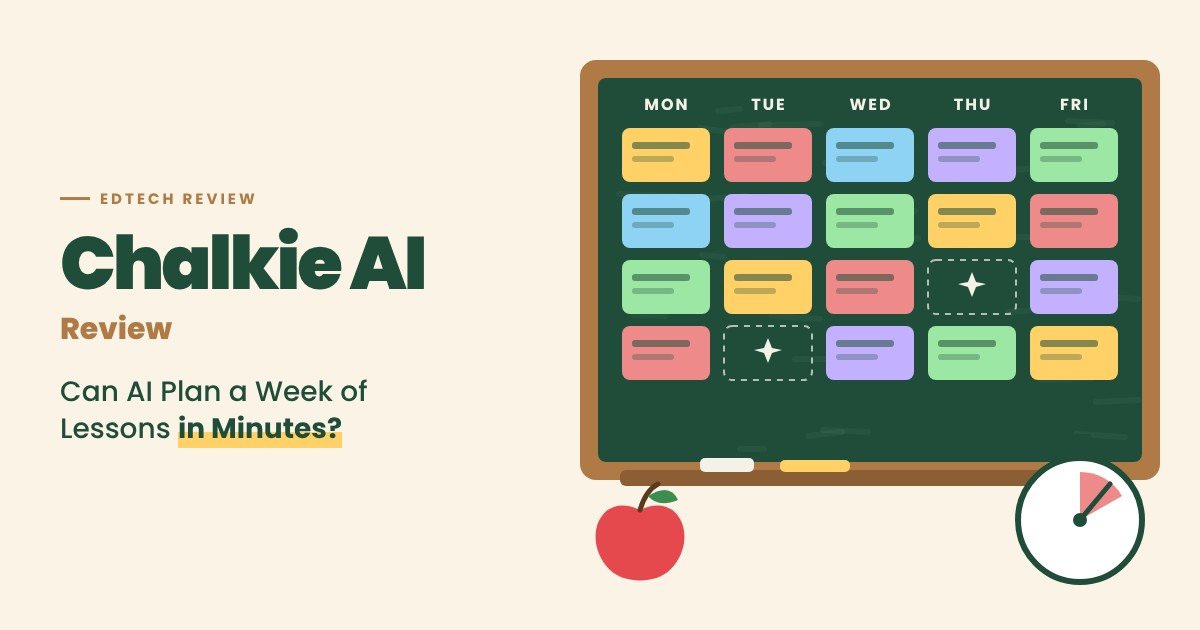
What Is Chalkie AI?
Chalkie AI is an AI platform that helps teachers create classroom-ready teaching materials. Its promise is lessons that are “curriculum-aligned, adapted to every student, ready in minutes.”
Teachers can start from a topic, paste an existing lesson plan, upload a file, or use a website link. Chalkie then generates a complete lesson with slides, explanations, worked examples, and interactive activities.
The company, Chalkie AI Ltd, is listed as UK-based and founded in 2024. It offers regional versions for the US, UK, Ireland, and Australia, and claims more than a million teachers use it.
| Detail | Chalkie AI |
|---|---|
| Category | AI lesson planning and teaching resources |
| Company | Chalkie AI Ltd (UK-based, founded 2024, per EdTech Impact) |
| Users | 1,000,000+ teachers, per Chalkie |
| Creates | Lessons, slides, lesson series, worksheets, activities, rubrics |
| Free plan | 5 resources per week |
| Paid plans | Pro about $79.80/year; Max about $155.88/year |
| Our rating | 4 out of 5 |
Key Features of Chalkie AI
Lessons and slides
- Full lessons with explanations, examples, and activities
- Up to 25 slides per lesson on Pro, 35 on Max
- YouTube video recommendations and embedding on paid plans
Lesson series
- Plan full units at once, with each lesson building on the last
- Up to 12 lessons per series on Pro, 25 on Max
Worksheets and activities
- Quick gap-fills to longer activity sheets
- AI class activity generator
- AI rubric generator
- Live activities that students join without accounts
Differentiation
- Adjust reading level and language for individual students
- Adapt resources for a specific class
Curriculum alignment
- Alignment to national and state standards, including NGSS and C3, on paid plans
Exports
- Export lessons to Google and Microsoft formats
The lesson series feature is the standout. Planning a full unit where each lesson connects to the last is where teachers lose the most time, and Chalkie handles the structure in one go.
Chalkie AI Pricing Explained
Chalkie offers a free plan, two paid plans for individual teachers, and custom school pricing.
| Plan | Price | Key limits |
|---|---|---|
| Free | $0 | 5 resources per week, Google and Microsoft export |
| Pro | About $79.80/year (about $6.65/month) | 200 resources/month, standards alignment, 12-lesson series |
| Max | About $155.88/year (about $12.99/month) | 400 resources/month, 25-lesson series, custom themes |
| Schools | Custom quote | Linked accounts, admin controls, central billing |
The pricing page highlights “3 months free” on annual billing, so the monthly figures above appear to reflect annual pricing averaged out. Check the current monthly option before subscribing.
Plan changes and cancellations take effect at the end of the billing period.
Our view on value: for a full-time teacher, Pro costs less than a single hour of tutoring per year and can save hours every week. The free plan is enough to test quality with your own topics first.
Student Data and Privacy
Schools need to know how AI tools handle student data. Chalkie’s FAQ is clear on the main points:
- Students don’t create accounts, and no student profile follows them between lessons.
- Live activities store display names, answers, and scores so teachers can review results. Students can use generated nicknames.
- Results aren’t sold, used for ads, or used to train AI.
- Teachers can delete session results, and schools can request return or deletion.
- Schools can sign a Data Processing Agreement, with Chalkie acting as the school’s processor.
One point to note: results aren’t deleted automatically. Teachers should clear old sessions regularly, and schools should check that retention matches their policies.
Where AI Lesson Plans Fall Short
Chalkie can save a lot of time, but it doesn’t replace a teacher’s judgment.
Watch for these common issues with AI-generated lessons:
- Factual errors. AI can include incorrect dates, numbers, or explanations, especially in science and history.
- Generic examples. Default examples may not connect with your students’ lives or interests.
- Pacing. A 25-slide lesson may not fit your actual class period.
- Standards drift. Alignment labels should be checked against your specific curriculum.
- Assessment quality. Quiz and worksheet questions may need tightening.
A practical workflow is to treat Chalkie’s output as a strong first draft. Spend ten minutes reviewing and personalizing it, and you’ll still save most of your planning time.
What Teachers Say About Chalkie AI
Chalkie features testimonials from US educators on its site, and it claims more than a million teachers worldwide. These are company-selected and company-reported figures.
Independent reviews are limited. EdTech Impact, a common edtech review site, shows no reviews yet. That doesn’t mean the product is weak, but it means schools should run their own pilot before buying licenses.
How Schools Can Pilot Chalkie AI
A short pilot helps schools decide whether to buy:
- Pick three to five teachers across different subjects and grades.
- Use the free plan for two weeks on real lessons.
- Track time saved per lesson compared with normal planning.
- Review output quality with a department lead or instructional coach.
- Check privacy terms and sign the DPA before wider rollout.
Chalkie AI Pros and Cons
Pros
- Generates full lessons, slides, and activities in minutes
- Plans entire units with connected lesson series
- Differentiation by level and language
- Standards alignment on paid plans
- Exports to Google and Microsoft formats
- Strong student privacy commitments
- Affordable annual pricing
Cons
- AI content needs teacher review for accuracy
- Limited independent reviews
- School pricing not published
- Free plan limited to 5 resources per week
- Session results aren’t deleted automatically
- Monthly billing details are unclear
Who Should (and Shouldn’t) Use Chalkie AI?
Chalkie AI is a strong fit if you:
- Are a K-12 teacher who wants to save planning time.
- Need differentiated materials for mixed-ability classes.
- Plan full units, not just single lessons.
- Use Google Slides or PowerPoint in class.
It’s a weaker fit if you:
- Want a tool that needs no review before teaching.
- Teach highly specialized courses with unusual curricula.
- Need a full learning management system.
- Work at a school that hasn’t approved AI tools.
Chalkie AI Alternatives Compared
| Tool | Best for | Key difference |
|---|---|---|
| Chalkie AI | Full lessons and slide decks | Lesson series and slide generation |
| MagicSchool | Wide range of teacher AI tools | 80+ tools for teachers and students |
| Brisk Teaching | Working inside Google and Microsoft | Chrome extension for existing docs |
| Diffit | Differentiated reading materials | Leveled texts and questions |
| Eduaide.ai | Instructional design | Large library of activity formats |
A quick decision framework:
- Want many small AI tools in one place? MagicSchool offers the widest toolkit.
- Work mostly in Google Docs and Slides? Brisk fits into your existing workflow.
- Need complete lessons and slide decks fast? Chalkie AI is one of the best options.
Chalkie AI Review Verdict: Is It Worth It?
Chalkie AI is a polished, teacher-friendly AI lesson planner. Full lessons with slides, connected lesson series, differentiation, standards alignment, and easy exports make it genuinely useful for busy classrooms. Its student privacy approach is also stronger than many edtech tools.
The cautions are about review and evidence. AI lessons need a teacher’s check, independent reviews are scarce, and school pricing requires a quote.
Our take: Chalkie AI is worth trying on the free plan. If it fits your teaching style, Pro offers excellent value. Review every lesson before teaching it, and run a small pilot before rolling it out across a school.


 AI/ML Strategy and Consulting
 Data Science And Data Analytics
 Generative AI
 AI Consulting Services
 AI Automation Solutions
 API Integration